
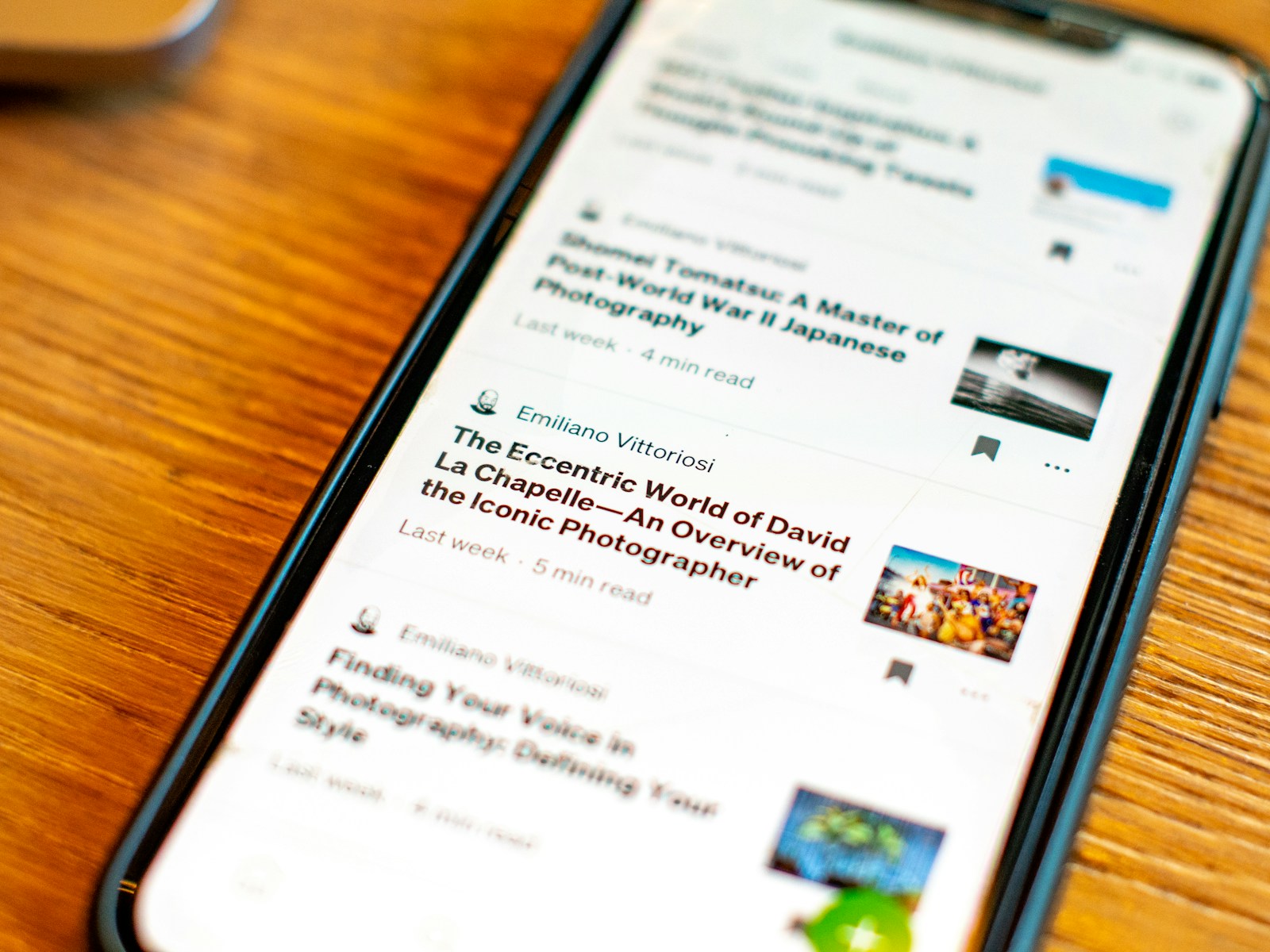
With the advancements in smartphone technology, smartphone screens are now bigger, brighter, and sharper than ever. However, despite these improvements, reading lengthy texts on a phone can still be challenging. Many users find themselves switching to e-readers or physical books for a more comfortable experience. Fortunately, there are several ways to optimize your phone for reading, minimizing eye strain and reducing on-screen clutter.
By adjusting a few phone settings or utilizing specific apps, you can create a more pleasant reading environment. Here are 9 smart hacks to make reading on your phone easier:
9. Adjust Font Size and Style

One of the simplest ways to improve readability on your phone is by adjusting the font size and style.
Both Android and iOS devices offer options to modify these settings, allowing you to make text bolder and easier to read. This customization can significantly enhance your reading experience.
8. Enable Dark Mode
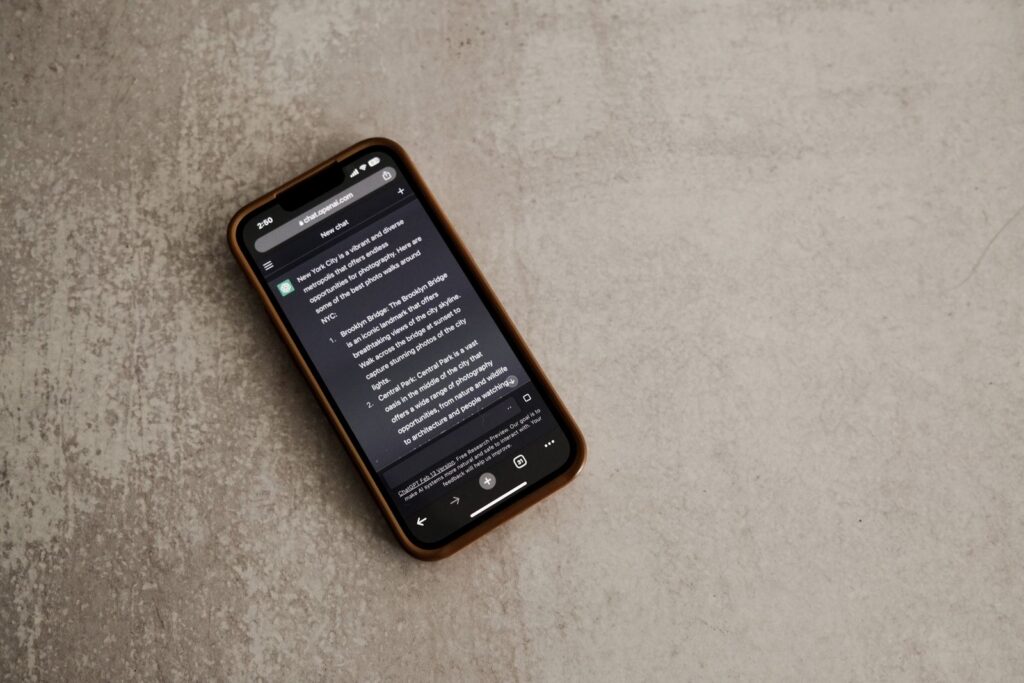
Dark mode is a popular feature that reduces eye strain by dimming the colors on your screen.
Available on both Android and iOS, this mode can make reading more comfortable, especially in low-light conditions, by providing a softer viewing experience.
7. Use Night Reading Mode

Night reading settings shift the display toward warmer colors and reduce some short-wavelength blue light, making it warmer and more comfortable for your eyes.
This feature is available on both Android and iOS devices and can be enabled manually or scheduled to activate at specific times.
6. Simplify with Browser Reading Mode
Some mobile browsers provide a reading mode for supported articles, simplifying pages for easier reading.
Safari Reader and Chrome’s Reading Mode can hide menus and other distractions while keeping the main text and relevant images.
5. Opt for Third-Party Browsers
If your default browser doesn’t meet your needs, consider third-party options like Firefox.
These browsers often come with advanced reading modes that can further enhance your reading experience by offering additional customization features.
4. Install a Read-It-Later App
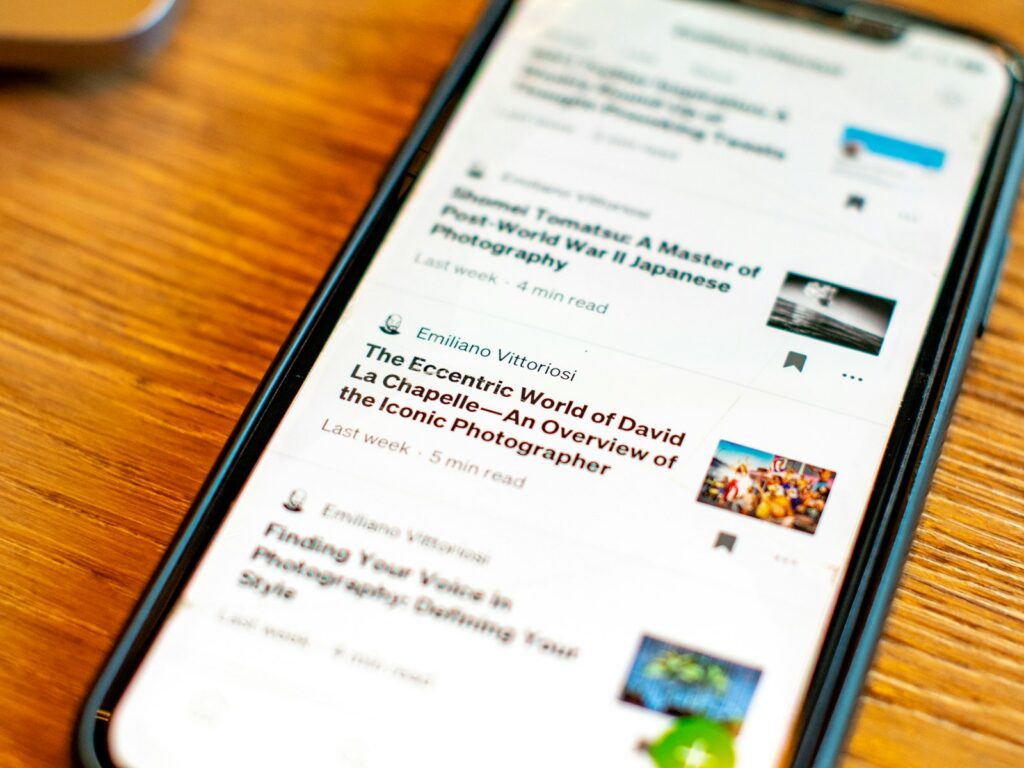
Apps like Instapaper allow you to save articles for later and provide a clean, distraction-free reading interface.
These apps sync across devices, so you can catch up on your reading whenever you have time, with options to adjust font and color settings.
3. Customize Reading App Settings

Within apps like Instapaper, you can fine-tune settings to suit your preferences.
Adjust page color, font style, and pagination for a more personalized and comfortable reading experience.
2. Explore Premium App Features

Consider subscribing to premium features if they provide tools you will regularly use.
Instapaper Premium currently includes full-text search, unlimited notes, a permanent article archive, Kindle integration, AI voices and text-to-speech playlists, and speed-reading tools.
1. Regularly Update Your Apps and OS
Keeping your apps and operating system up to date ensures you have access to the latest features and improvements.
This can include new reading modes or enhancements that make your phone more conducive to reading, offering a smoother and more efficient experience.
Read More:
- 9 Reasons to Love Retro Phones That Connect to Your Cell
- 9 Unique Phone Brands That Might Struggle in the AI Era
- 10 Reasons People Get Anxious About Phone Calls