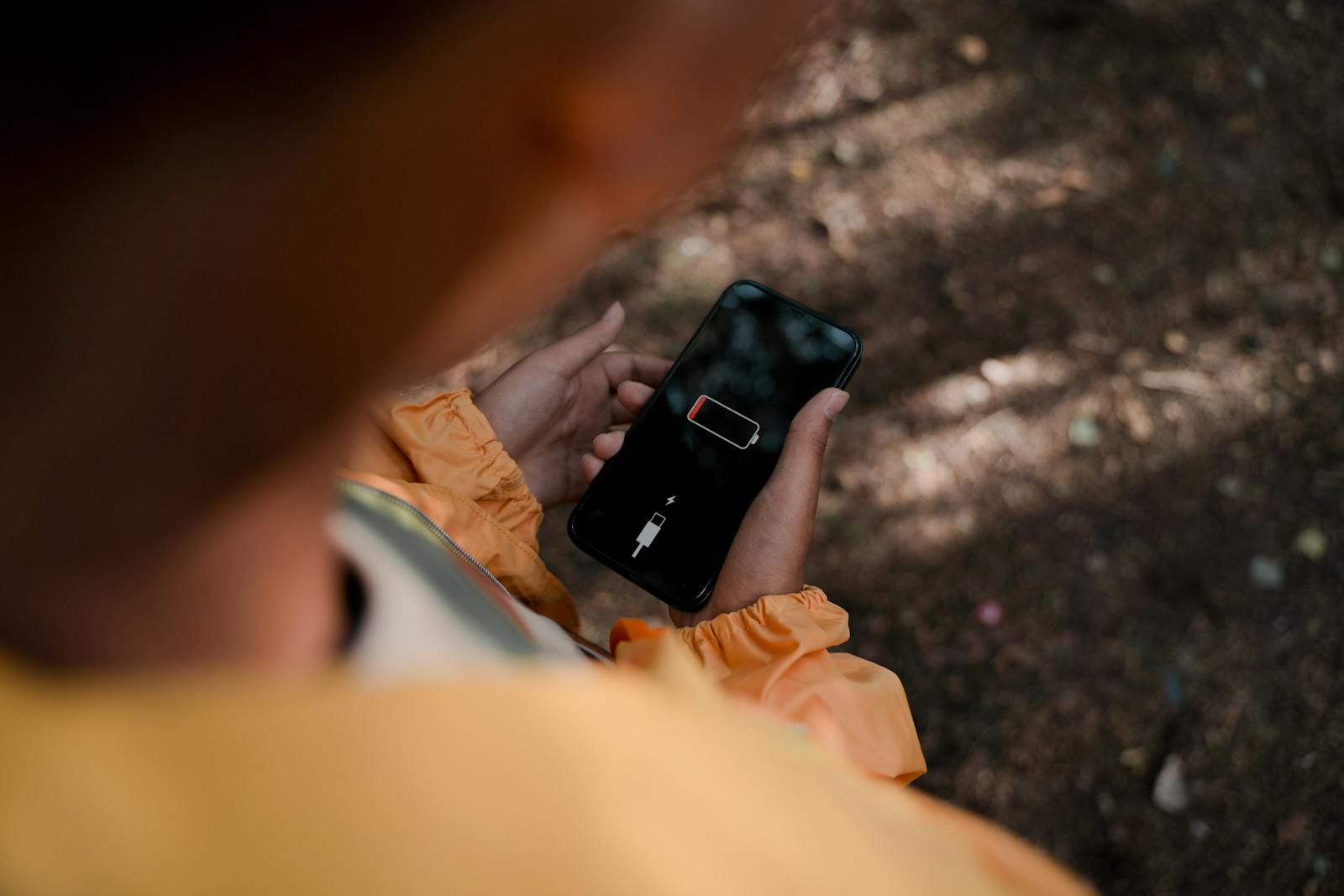
Nothing ruins a day quite like watching your battery percentage plummet when you’re nowhere near a charger. One minute you’re checking directions or responding to messages, and the next you’re frantically enabling Low Power Mode and calculating whether 12% battery will get you through the afternoon.
While all rechargeable batteries gradually lose capacity over time, there are plenty of ways to extend both your daily battery life and your battery’s overall lifespan. Here are 10 simple ways to keep your phone running longer.
10. Lower Your Screen Brightness
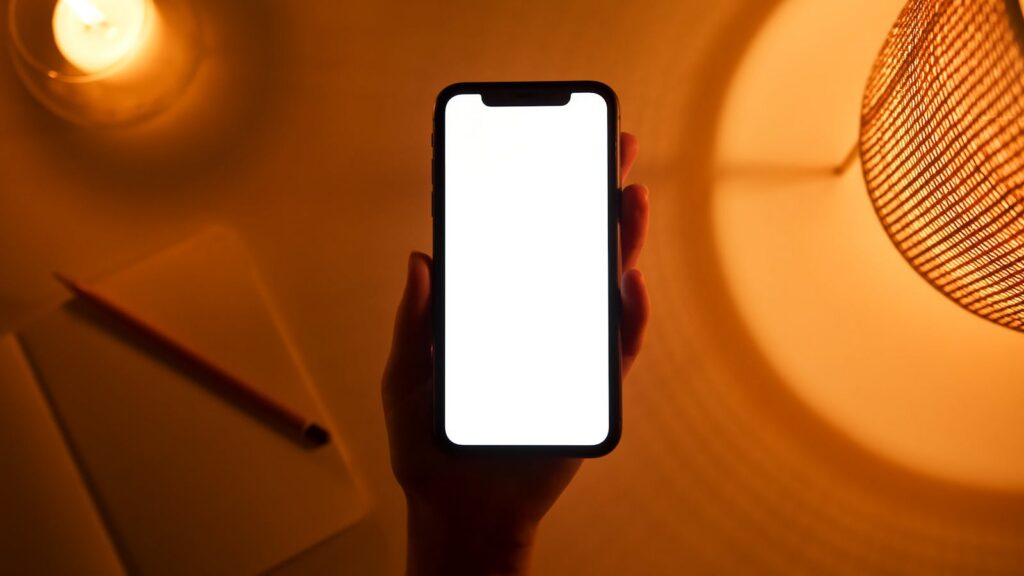
Your display is often the biggest battery drain on your phone.
Keeping brightness at maximum all day uses significantly more power than necessary. Auto-brightness or manually lowering your screen brightness can noticeably extend battery life.
9. Use Dark Mode
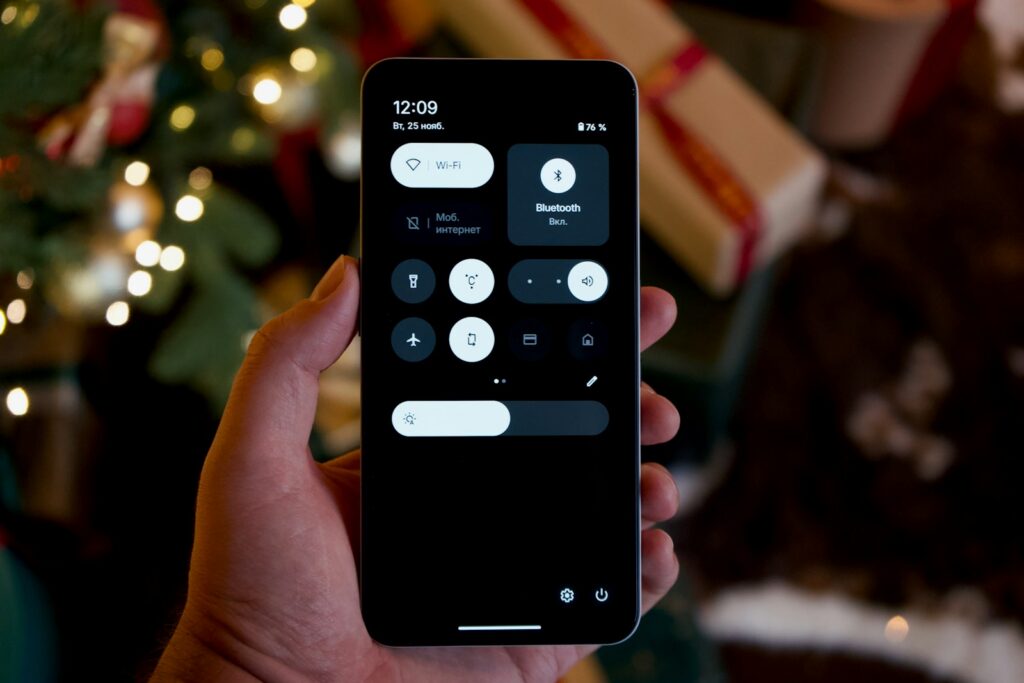
If your phone has an OLED or AMOLED display, dark mode can help conserve power.
These screens illuminate individual pixels, meaning darker areas use less energy than bright white backgrounds. As a bonus, many people find dark mode easier on the eyes.
8. Turn Off Background Activity You Don’t Need
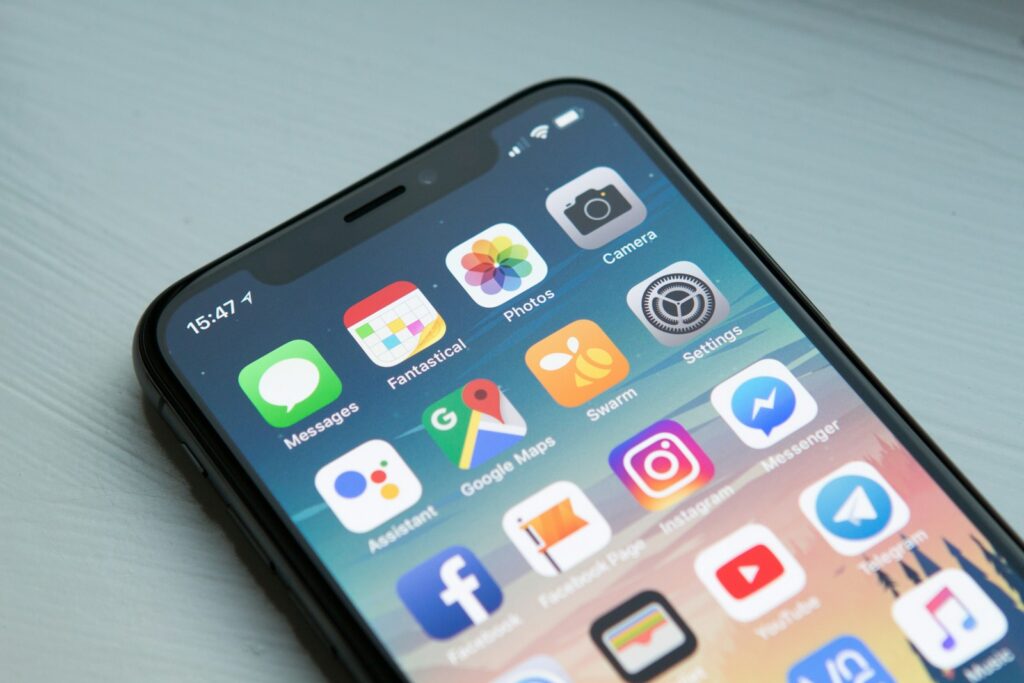
Many apps continue refreshing, syncing, and updating even when you’re not actively using them.
Review your settings occasionally and restrict background activity for apps that don’t need constant updates.
7. Enable Battery Saver Mode
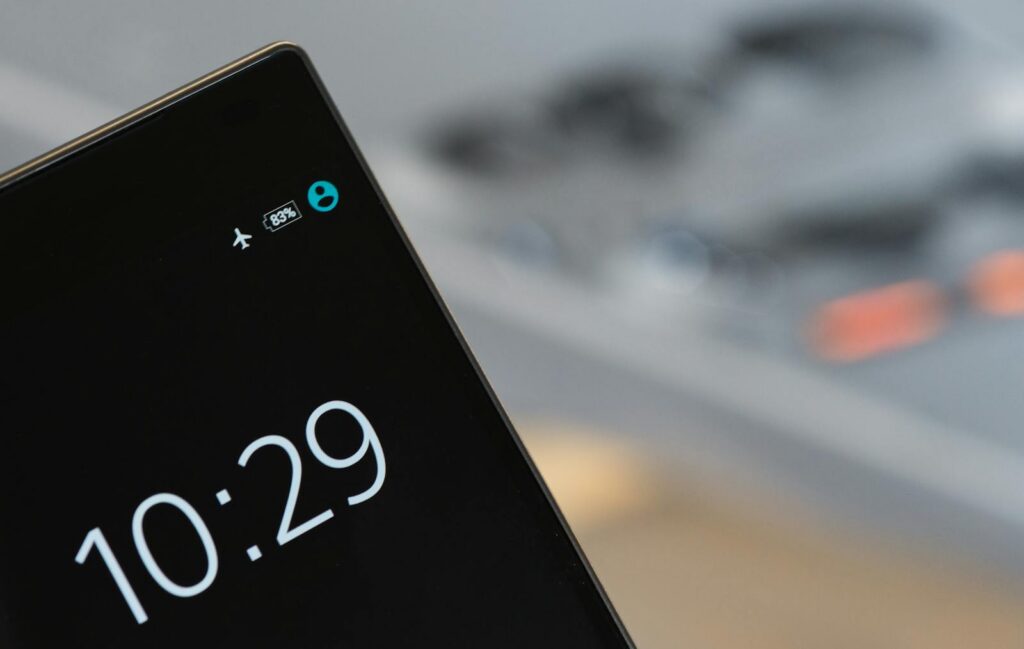
Battery Saver Mode on Android and Low Power Mode on iPhone are among the easiest ways to extend battery life.
These features reduce background processes, limit certain visual effects, and optimize performance to conserve energy.
6. Manage Location Permissions
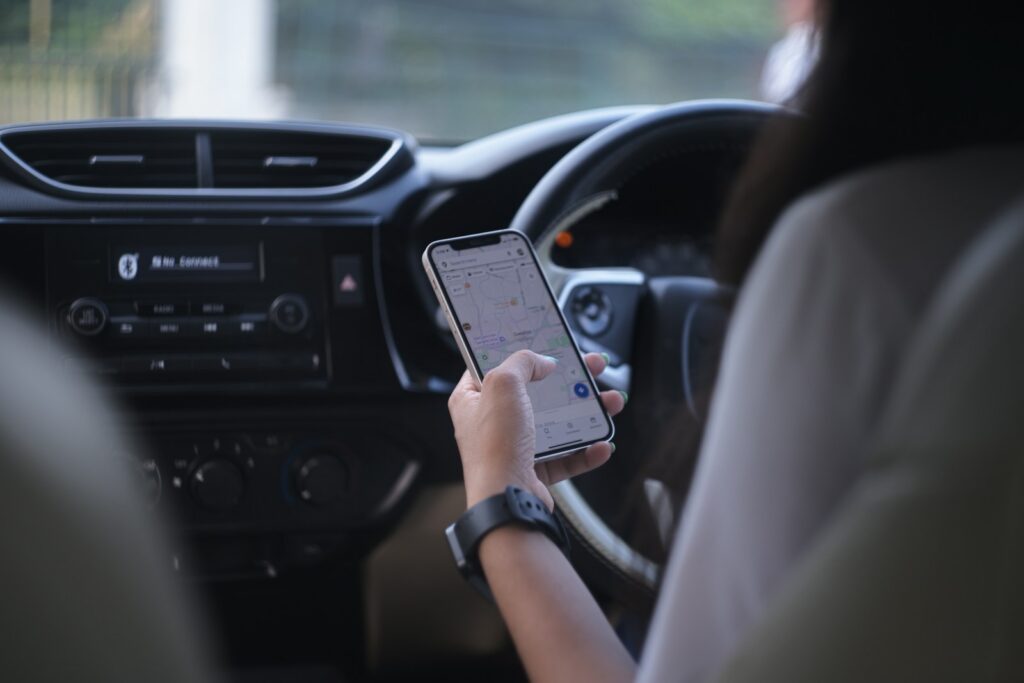
GPS is one of the most power-hungry features on modern phones.
Review which apps have access to your location and limit permissions to “While Using the App” whenever possible.
5. Keep Your Apps Updated
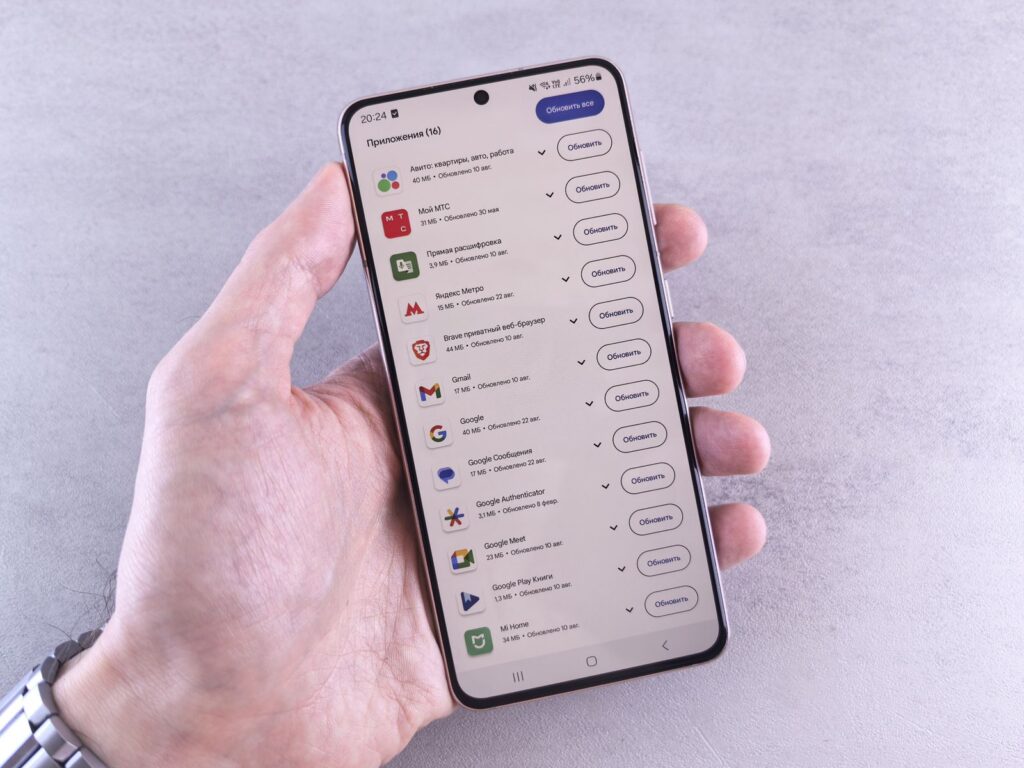
App updates often include performance improvements and battery optimizations.
Keeping your apps current helps ensure they’re running as efficiently as possible.
4. Reduce Unnecessary Notifications
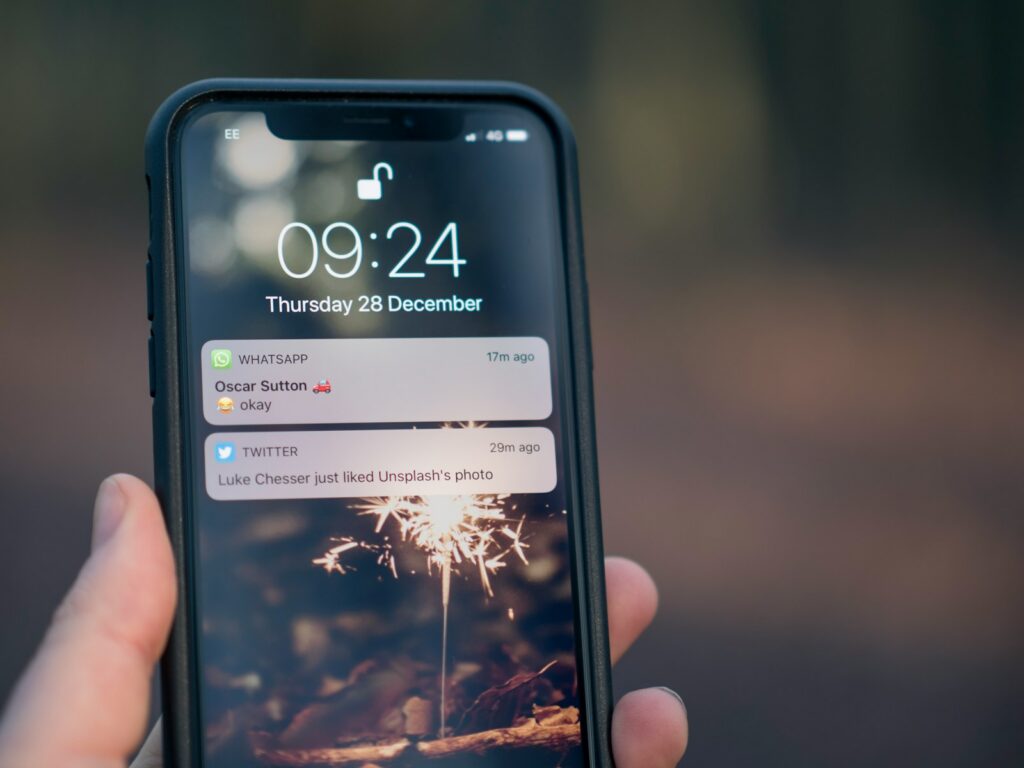
Every notification activates your screen, uses processing power, and sometimes triggers vibration or sound.
Turning off alerts from non-essential apps can save battery life while also reducing distractions.
3. Avoid Extreme Temperatures
Heat is one of the biggest enemies of lithium-ion batteries.
Leaving your phone in a hot car, direct sunlight, or other extreme environments can permanently reduce battery health over time. Very cold temperatures can also temporarily reduce performance.
2. Adjust High-Power Display Features
Many newer phones include features such as Always-On Displays, animated wallpapers, and 120Hz refresh rates.
These features look great, but they consume extra power. If battery life is a priority, consider disabling some of them.
1. Avoid Constantly Draining Your Battery to Zero

Modern lithium-ion batteries perform best when they stay somewhere between roughly 20% and 80% charge.
Occasionally hitting 100% or dropping below 20% isn’t a problem, but regularly running your phone completely dead can contribute to faster battery wear over the long term.
A few small adjustments can add hours of battery life over the course of a day. More importantly, they can help keep your phone’s battery healthier for years to come.
Read More:
- 10 Pieces of 1990s Tech That Aged Like Milk
- The Best Travel Apps to Download Before Your Next Trip
- 10 Personal Finance Apps That Are Making People Richer (Or Poorer)