
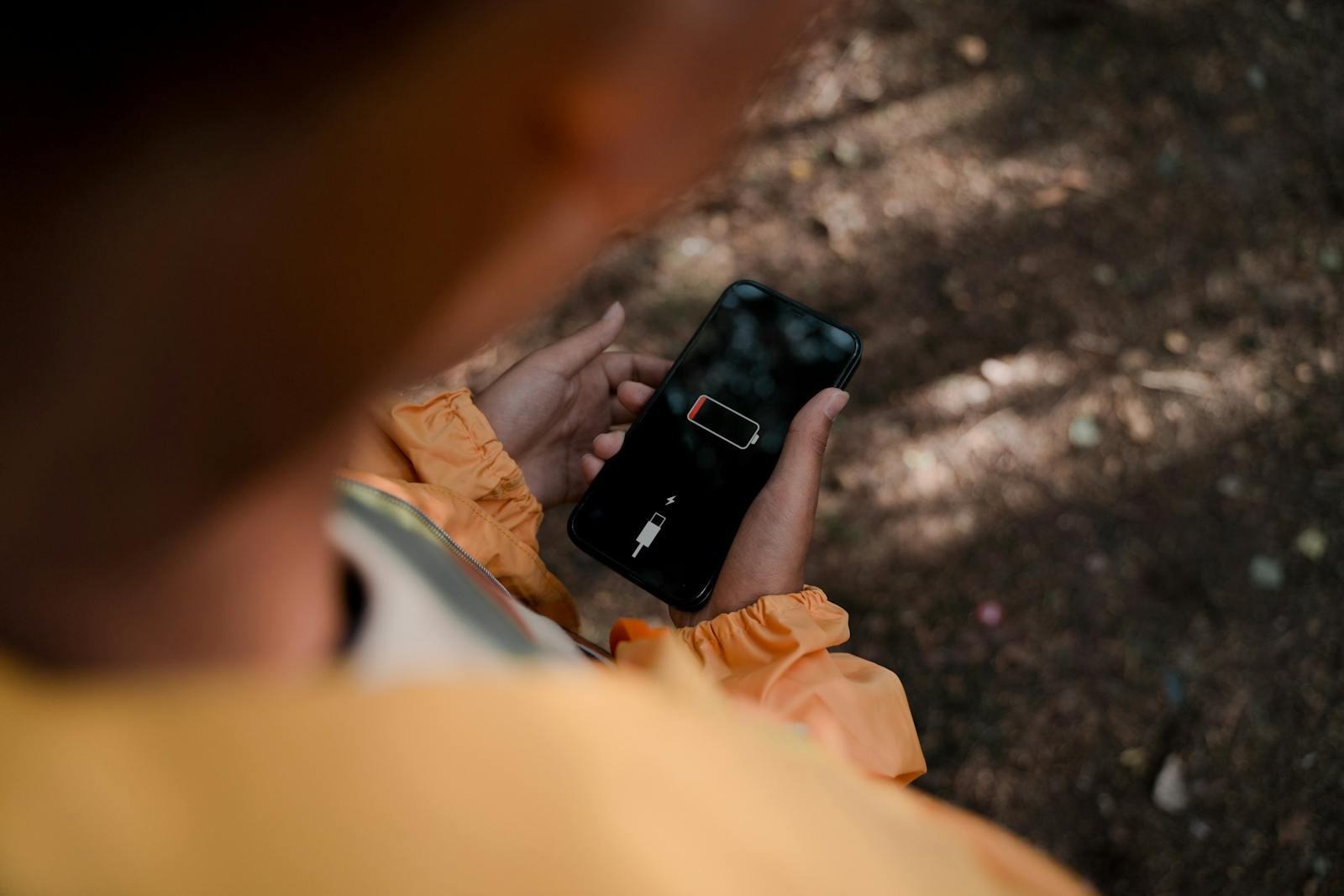
If your phone’s battery seems to vanish faster than it used to, certain apps might be playing a role.
Many popular apps rely on features like video streaming, GPS tracking, constant notifications, and background syncing. While these tools make apps convenient and responsive, they also require your phone to keep working even when you’re not actively using them.
The result? A battery that drops faster than expected.
Some of the apps on this list are used by millions of people every day—and one in particular is especially notorious for draining power. Let’s take a closer look.
10. Spotify
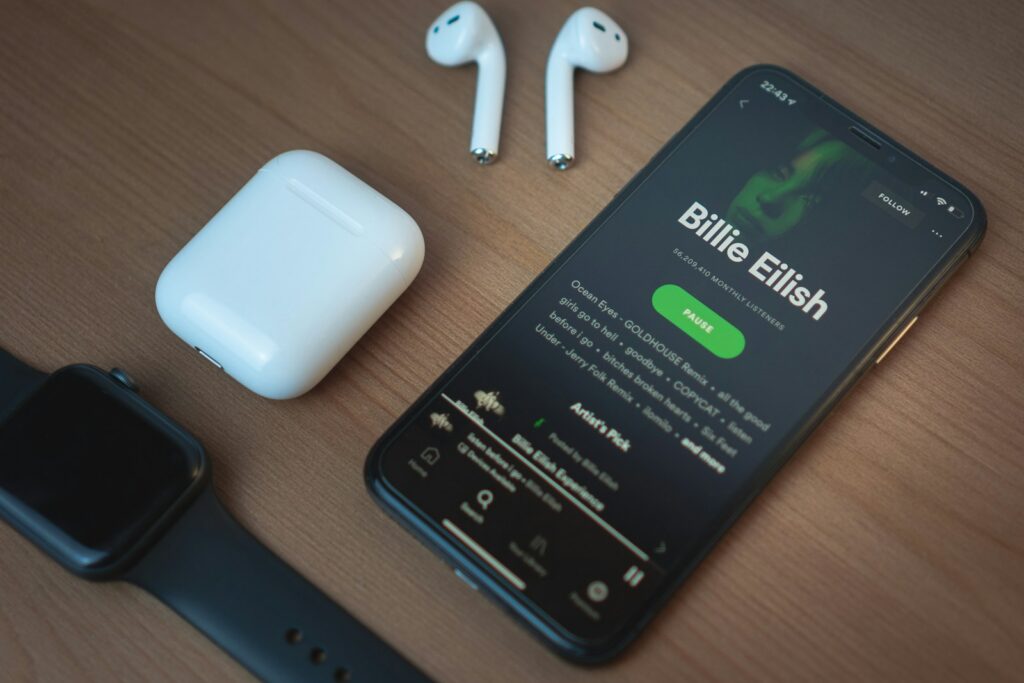
Music streaming apps may seem harmless, but they often run for long stretches of time in the background. Spotify streams audio, loads album artwork, updates playlists, and occasionally syncs downloads while you’re listening.
Because the app can run for hours at a time—even with the screen off—it quietly uses more battery than many people realize.
Bluetooth headphones and speakers can add a little extra power use as well, since your phone has to maintain that wireless connection.
It’s convenient to have your favorite music ready at any moment, but some of the apps higher on this list rely on even more power-hungry features.
9. Booking.com & Amazon (Tie)
Shopping and travel apps are incredibly convenient, but they’re not always necessary to keep installed year-round. Apps like Booking.com and Amazon regularly refresh deals, send notifications, and sync account data in the background.
Even when you’re not actively browsing, these apps may still check for updates so everything loads quickly the next time you open them.
For occasional travelers or shoppers, it might make sense to install these apps when needed and remove them afterward. Your account information will still be there waiting for you.
But shopping isn’t the only activity that can quietly drain battery power.
8. Zoom & YouTube (Tie)
Video apps are some of the biggest battery consumers on any smartphone. Zoom meetings and YouTube videos both require your screen, processor, internet connection, and speakers to work simultaneously.
Streaming or broadcasting video also uses a steady flow of data, which keeps your phone’s hardware working continuously.
If you’ve ever joined a long meeting or watched a few “just one more video” clips on YouTube, you may have noticed your battery percentage slipping faster than usual.
And video streaming isn’t the only feature that can quietly keep apps working in the background.
7. Snapchat & WhatsApp
Messaging apps like Snapchat and WhatsApp are designed to stay connected so messages arrive instantly. That means they frequently check for new activity even when you’re not actively chatting.
Snapchat also relies heavily on the camera and augmented-reality filters, which require extra processing power. WhatsApp adds voice calls, video calls, and media sharing to the mix.
All of those features are great for staying in touch with friends and family—but they can also mean more background activity than you might expect.
Some apps on this list take things even further by constantly tracking location data.
6. Tinder & Bumble (Tie)

Dating apps like Tinder and Bumble rely heavily on location services to help you discover nearby matches. That means your phone’s GPS and mobile data are often working while the apps are active.
These apps also refresh profiles and notifications frequently so new matches and messages appear quickly.
If you’re swiping regularly, the extra battery usage probably isn’t surprising. But if the app stays installed while rarely being used, it may still consume resources in the background.
Location tracking turns out to be one of the biggest battery drains on smartphones—and several other apps depend on it even more heavily.
5. Instagram
Instagram combines several battery-intensive features into a single app. It streams videos, loads photos, sends notifications, refreshes feeds, and handles messaging all at once.
The app also preloads new posts so scrolling feels smooth and instant. That convenience can come at the cost of extra background activity.
Add in Stories, Reels, and live video, and your phone ends up juggling quite a few tasks at the same time.
For many people, Instagram is a daily habit that’s hard to give up—but it’s far from the only social media app that can quietly impact battery life.
4. Netflix
Streaming a movie or TV show on your phone might be convenient, but it’s also one of the most power-intensive things your device can do.
Apps like Netflix keep the screen active while continuously downloading and playing video. High-definition streaming can increase the demand even more.
Watching a full movie or several episodes of a series can noticeably drain your battery compared with lighter activities like browsing or messaging.
Video streaming clearly demands a lot of power, but some apps use an entirely different feature that can be even more demanding on your battery.
3. Facebook
Facebook packs a lot of features into a single app. It refreshes news feeds, streams videos, delivers notifications, supports messaging, and keeps track of updates in real time.
To make everything feel fast and responsive, the app often performs background activity even when you’re not actively using it.
Over time, that constant syncing can add up to noticeable battery usage.
Many users are surprised when Facebook appears near the top of their phone’s battery usage statistics. But two other apps on this list rely on features that can be even more demanding.
2. Google Maps
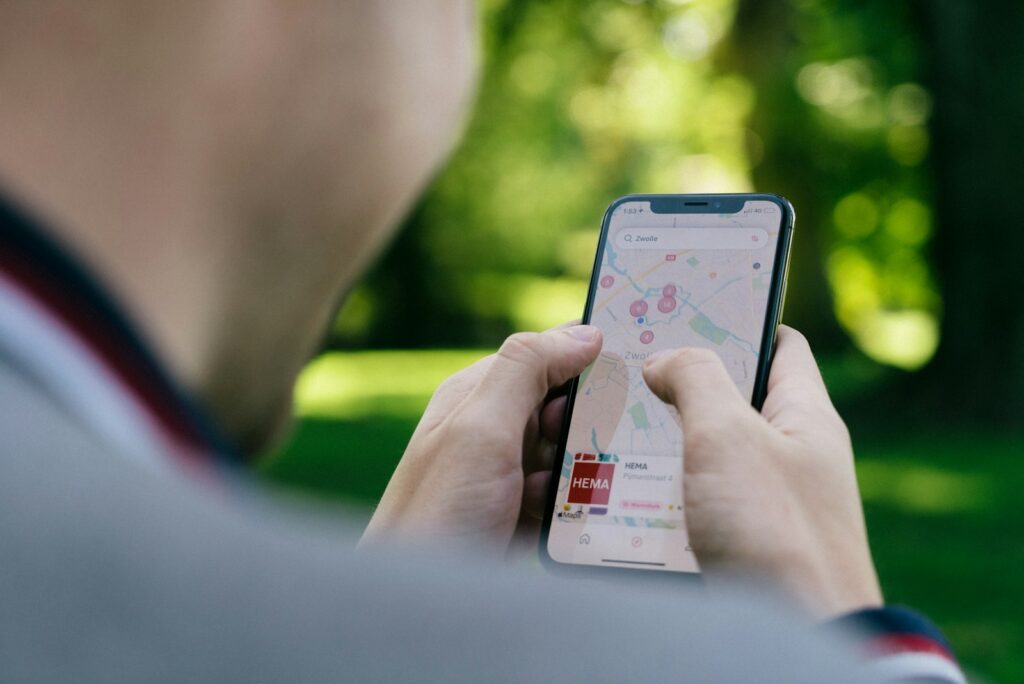
Navigation apps rely heavily on several power-hungry features at the same time. Google Maps uses GPS, mobile data, and your phone’s display to provide real-time directions and traffic updates.
When the app is actively guiding you somewhere, your phone is constantly calculating routes and updating your location.
That combination can cause the battery to drop faster than usual—especially on long drives.
Of course, navigation apps are extremely useful, and most people are happy to trade a little battery life for getting where they need to go.
But one of the most popular apps in the world can drain power even when you’re just casually scrolling.
1. TikTok
TikTok has become one of the most widely used apps in the world, and its endless stream of short videos keeps millions of people entertained every day.
Behind the scenes, the app continuously loads new videos, refreshes content, and preloads the next clip so it starts instantly.
That constant streaming requires your screen, processor, and internet connection to stay active.
The result is a smooth viewing experience—but it can also be tough on your phone’s battery.
If you’ve ever opened TikTok for a few minutes and looked up half an hour later with a much lower battery percentage, you’re definitely not alone.